
JusticeOS
Free · Private · At your own pace

Your whole case, in one place.

The calm system that organizes your case, prepares your California court forms, and keeps the whole journey in view. You make every call.

You do three things. The system holds the rest.

Filing, deadlines, and every form the court expects: the system keeps track. Your part stays this small.

  1. Talk

    Plain-language questions, in a private chat, at your pace.

  2. Review

    You confirm or fix every answer before it goes anywhere.

  3. Print

    A court-ready packet. No court fee for these forms.

Your words become the form.

You answer in plain language. The system sets each answer onto the official California form, in the right box. Nothing prints until you confirm every line.

Built so every choice stays yours.

JusticeOS prepares your paperwork. It never gives legal advice, predicts an outcome, or recommends a path.

Every choice stays yours. Each form is described in plain language, and you decide which to use. Nothing here predicts what a court will do, and nothing tells you what your facts mean. That is the deal, and we keep it on every screen.

Private by construction. Your answers, photos, and forms are locked to your account at the database level, with row-level security on every table and every file. Not a policy promise: the way the system is built.

Nothing prints unreviewed. Every answer shows where it came from, and the review step is required, for everyone, every time. Your packet leaves in your voice because you confirmed every line of it.

The whole journey, in one view.

From your first question to your hearing date: every step, and every choice where one exists, on a single map that moves with you.

  1. 01

    Talk

    You are here

    Answer plain-language questions in a private chat, at your own pace. Photos of your ID or papers can fill in details so you type less.

  2. 02

    Review

    Every answer is shown with where it came from. You confirm or fix each one — nothing reaches a form without your review.

  3. 03

    Print

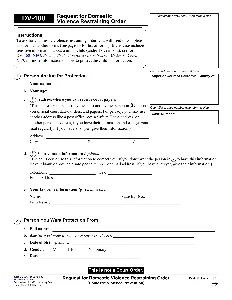
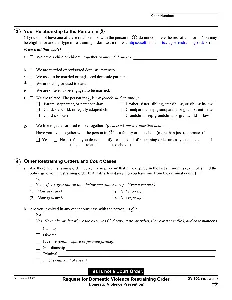
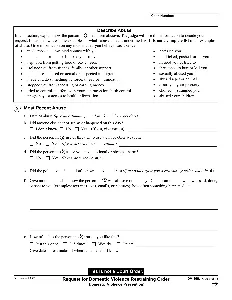
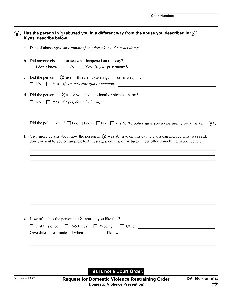
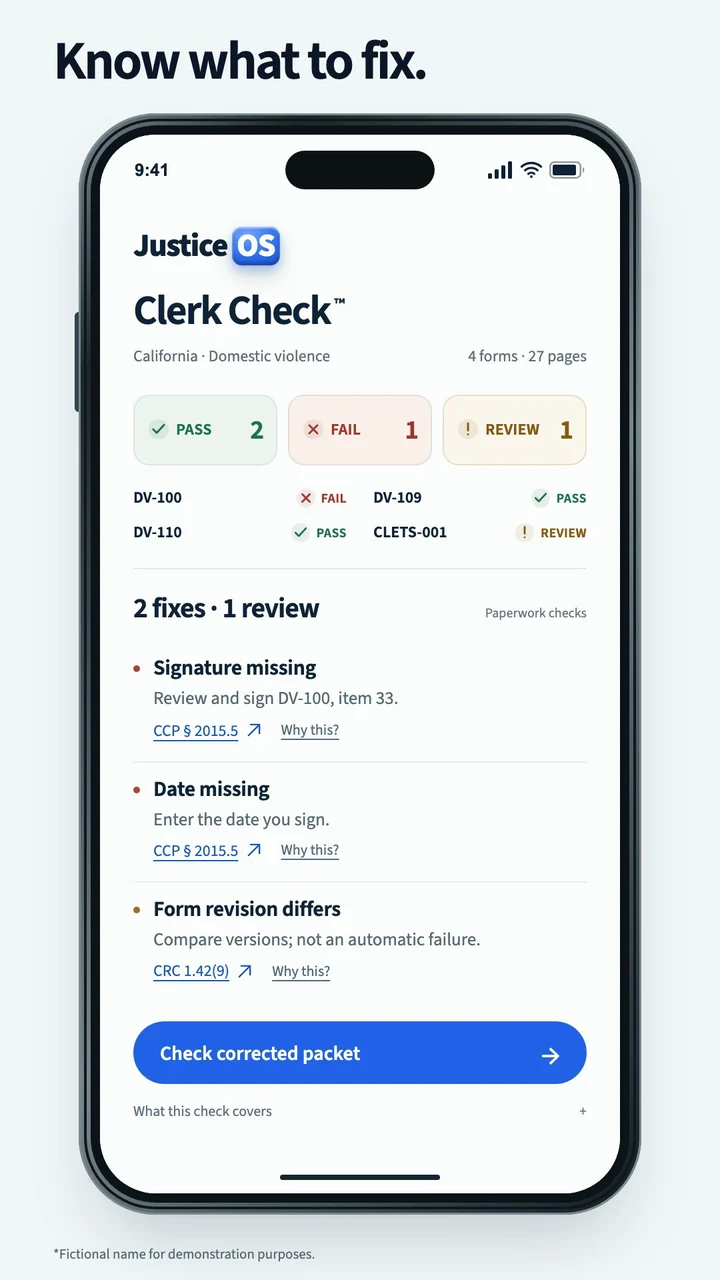
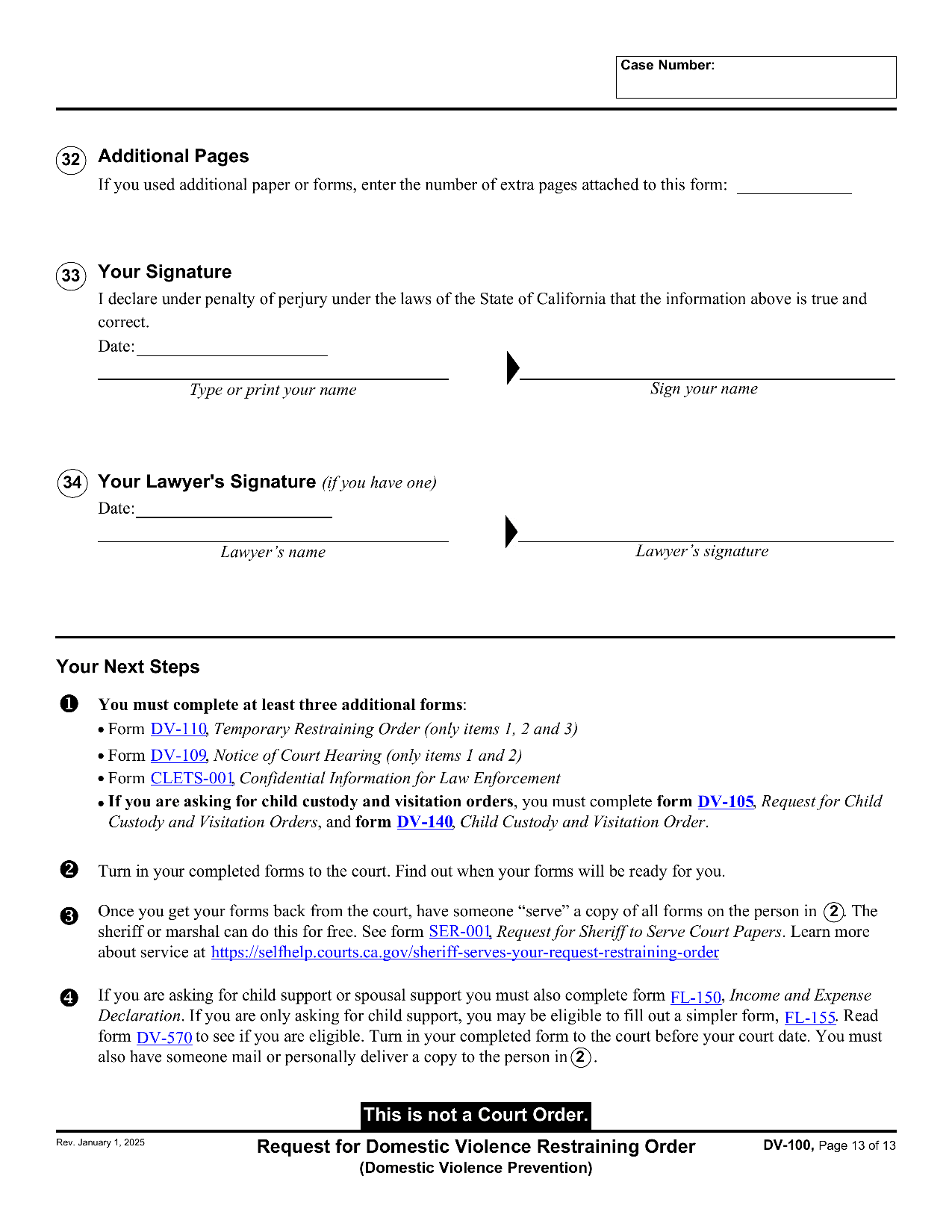
    Your answers become a printable, court-ready packet: DV-100, DV-109, DV-110, and CLETS-001. There is no court fee for these forms.

  4. 04

    File

    2 options — you choose

    Your packet goes to the court. There are two ways to file — the choice is yours.

    File in person at the courthouse

    Bring your printed packet to the Stanley Mosk Courthouse clerk. The Self-Help Center can review it first, free.

    File electronically through an EFSP

    E-filing goes through a court-approved Electronic Filing Service Provider. It is optional — paper filing is always available (LASC General Order 2021-GEN-032-00).

  5. 05

    Serve

    Someone 18 or older — not you — personally delivers a copy to the other person. The sheriff can do this for free.

  6. 06

    Hearing

    You go to court on the date written on your DV-109 Notice of Court Hearing, and bring your stamped copies.

Tonight at the kitchen table, or at 2 a.m., or next month. Whenever you are ready.

The chat saves as you go. You can stop, close it, and come back. Nothing is filed, and nothing is final, until you print it and choose to file it.

If you are in danger right now, call 911. For 24/7 confidential help, call the National Domestic Violence Hotline at 800-799-7233.

Stanley Mosk Courthouse

111 North Hill Street, Los Angeles, CA 90012

Self-Help Center: Monday–Thursday 8:30am–12:00pm and 1:00pm–4:00pm; Friday 8:30am–12:00pm. Free help for people without lawyers. Staff can review your packet before you file.

There is no filing fee for a domestic violence restraining order.

Two ways to file, and you choose

In person at the courthouse: the clerk takes your printed packet, and the Self-Help Center can look it over first.

Electronic filing is optional for people representing themselves — you may always file on paper instead (LASC General Order 2021-GEN-032-00). To e-file, you go through a court-approved Electronic Filing Service Provider (EFSP); you cannot e-file directly with the court. Court-approved e-filing providers

JusticeOS is not a law firm and is not your lawyer. JusticeOS is not a law firm, is not acting as your attorney, and no attorney-client relationship is created by using it. It helps you fill out court forms with your own information — it does not give legal advice, does not choose forms for you, and cannot predict what a court will do. For legal advice, talk to a lawyer or visit the free Self-Help Center at your courthouse.